
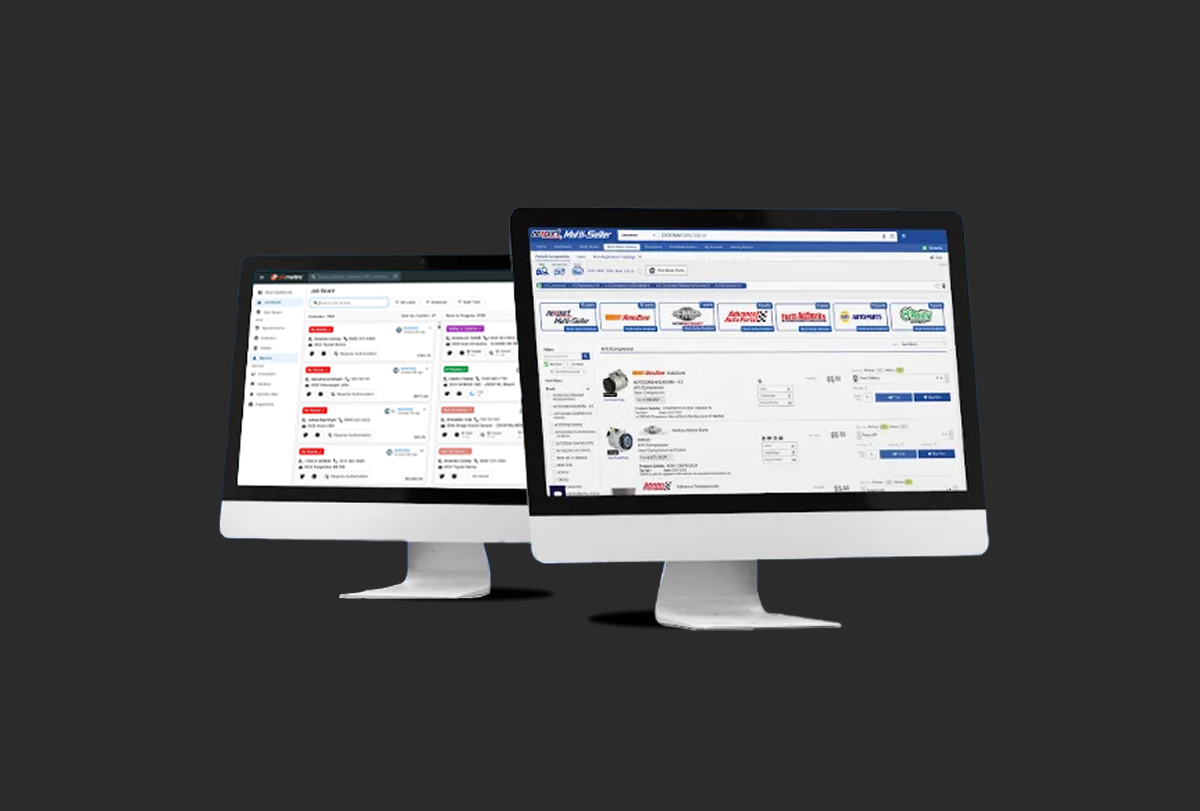
Supercharge Your Supply Chain With Nexpart Multi-Seller

Mary Peoples

|

August 26, 2025

|

Read time: 3 min

We’re excited to announce that Tekmetric now supports the new Nexpart Multi-Seller integration! This new integration gives Tekmetric customers one-click access to your entire supply chain. Now it’s easier than ever to build detailed estimates and find the right parts & tires from ALL of your suppliers on ONE screen.

The Largest Parts Network in The Industry

‍For over 25 years Nexpart has been the industry leader in parts cataloging and electronic ordering. Nexpart has built long standing relationships with over 53,000 parts suppliers. In recent years Nexpart released Multi-Seller, an all-in-one ordering system that gives you a bird’s eye view of your entire supply chain.
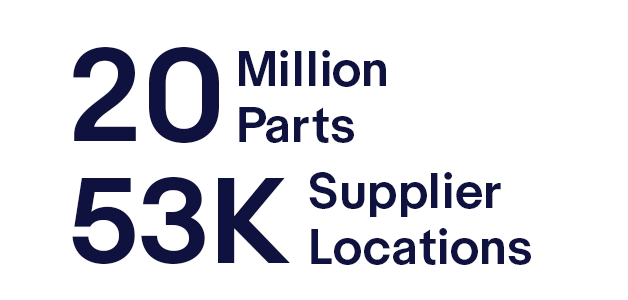
With Nexpart Multi-Seller you’ll gain access to more suppliers in more places backed by the most comprehensive parts catalog in the industry. Find the right parts for the job fast with real-time inventory and wholesale pricing.
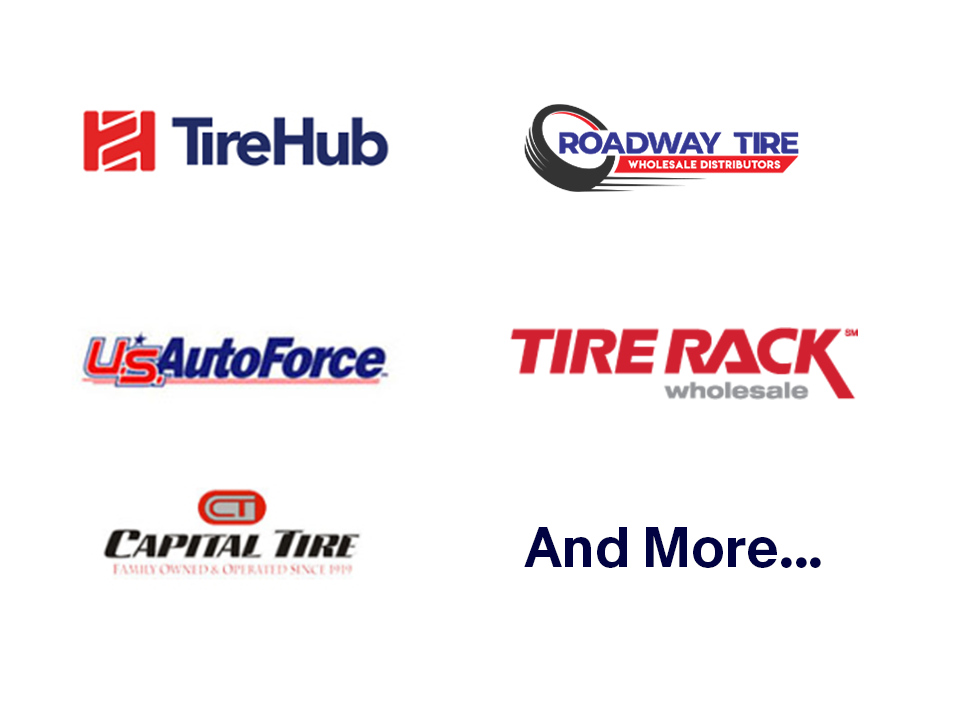
 

Now Available: 50+ Tire Suppliers For FREE

Need tires? Nexpart Multi-Seller now connects you to over 50 national tire suppliers for FREE. Access big names like ATD, NTW, Tire Rack Wholesale and more all in ONE click!

If your shop is equipped for tire services, it’s now easier than ever to make strong recommendations for any budget and keep your customers in house. With parts & tires plugged directly into Tekmetric, you can add a set of tires to an estimate in seconds. If the customer isn’t quite ready to pull the trigger on a set of tires, simply save the quote in Tekmetric. Boost ARO, and get more ROI out of your tire equipment.

Build Strong Workflows & Stronger Estimates

Tekmetric enables you to create accurate estimates and get approvals faster which saves you time, boosts productivity, and builds customer trust. Keep your repair jobs moving without delays thanks to real-time inventory tracking, immediate access to part availability during job setup, and integrated parts ordering, now with Nexpart  Multi-Seller. With Tekmetric, you can effortlessly monitor all repair jobs and the inventory assets assigned to every vehicle, and if a part isn't available, quickly browse your shop inventory for a swap or order a replacement through Nexpart Multi-Seller, all within a single intuitive program.

Earn Multi-Seller Rewards On Every Parts Order
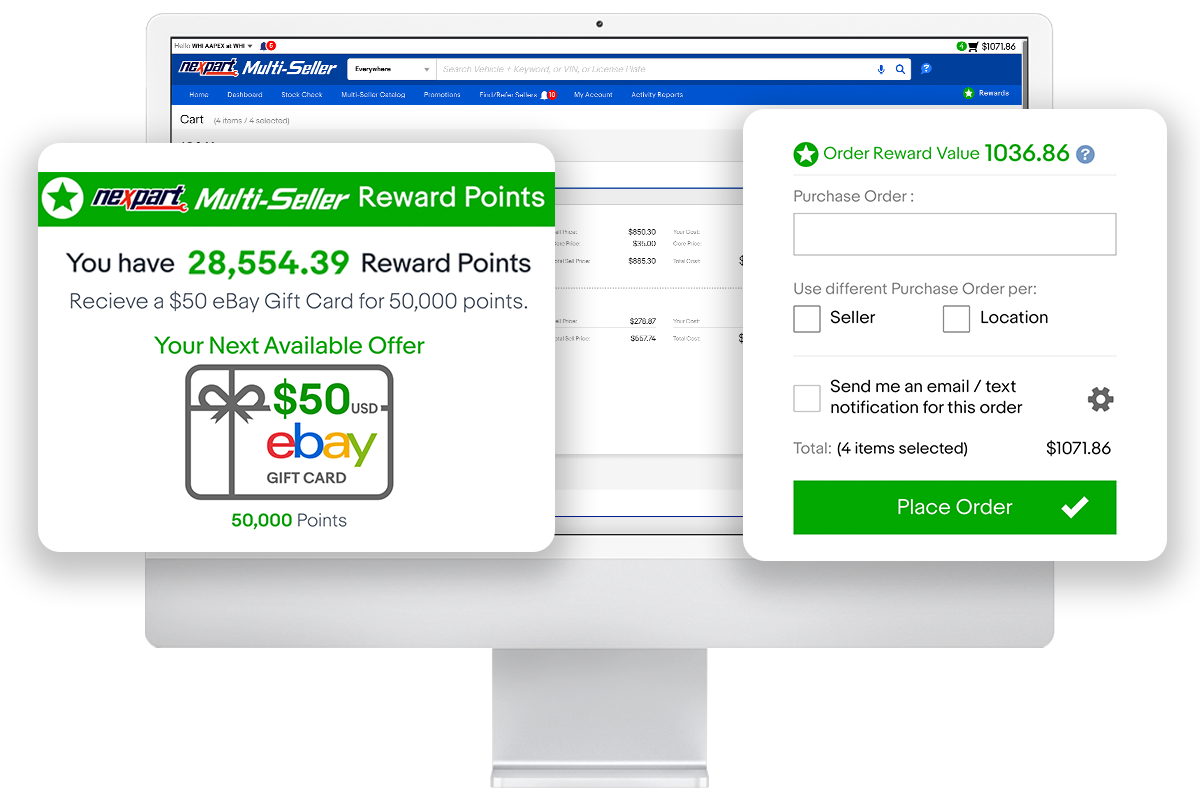
As an additional benefit, Nexpart Multi-Seller customers earn rewards points on every parts order*. Every $1 spent on parts earns 1 Rewards Point. Multi-Seller shops can redeem points for up to $500/Year in eBay Gift Cards.


*Available to all US and Canadian Nexpart Multi-Seller users. Tire purchases not currently eligible for Rewards. Learn more and see the full terms and conditions.

How To Get Started in Tekmetric

  1. Click the Shop Settings section on the bottom left menu bar.
  2. Click the Integrations tab.
  3. Click Manage from the Nexpart Multi-Seller integration box.
  4. Add your Nexpart Multi-Seller Username and Password.
  5. For detailed instructions on how to order parts view this video

To learn more about Tekmetric or book a demo, visit https://info.tekmetric.com/nexpart or call 832-787-0900

To learn more about Nexpart Multi-Seller, you can get started and create a free account at www.nexpart.com

Looking for a full walkthrough? Need help setting up your vendors? Schedule an onboarding appointment with a Nexpart Rep.

👉 Ready to grow your automotive business? [Book a personalized Tekmetric Demo Here]

FAQ

More articles

Breast cancer is the most diagnosed cancer among women in the U.S. after skin cancer. In fact, there are currently more than four million women with a history of breast cancer in the U.S. Most, if not all of us know someone who has been greatly impacted by this disease.

Founded in 2011, Brakes for Breasts unites independent auto repair shops to support people affected by breast cancer and donate to ongoing research for a cure. You may have heard the saying, “prevention is better than cure.” Brakes for Breasts takes that to the next level through the belief that “prevention is the cure.” The organization offers participating shops a chance to raise money for the Cleveland Clinic Breast Cancer Vaccine Fund, supporting the creation of a vaccine that can prevent TNBC (triple negative breast cancer). 

Today, Brakes for Breasts has expanded to work with hundreds of shops nation-wide, raising more than $2.1 million. Its founders, Leigh Ann Best and Laura Frank, are both powerhouses in the auto repair industry who established Brakes for Breasts to raise money for breast cancer research and provide a bigger voice to women in the auto repair industry. 

In 2024, Tekmetric donated more than $16,000 to Brakes for Breasts. This year, our goal is to donate even more – and we need your help! There are multiple ways to participate:

  • Sign up with Tekmetric. During the month of October, Tekmetric will donate $50 to the Brakes for Breasts campaign for every new shop that signs up for Tekmetric. 
  • Share the campaign with your customers. If you are a TechNet shop, make sure your customers know that when they come to you for a qualifying brake service between September 1 and October 31, you are offering a rebate on qualifying brake pads that they can choose to donate to the fund.   
  • Donate with Tekmetric's fundraising link. If you want to go straight to Brakes for Breasts without any brakes, use this link to donate any dollar amount to Brakes for Breast. You can choose between a one-time donation or a monthly contribution.  
  • Fundraise at your shop by joining the Tekmetric team. You can register your shop to fundraise for this cause in your community through Tekmetric’s campaign at this link.  The shop that raises the most money during the campaign will win a trip to join Tekmetric at the check presentation ceremony in Cleveland in April 2026.
  • Participate directly. Participating independent repair shops can work directly with Brakes for Breasts by offering customers free brake pads on brake jobs in the month of October, then donating 10% of the labor from that brake service to the fund. 

All proceeds will go towards The Cleveland Clinic Breast Cancer Vaccine Research Fund. The end goal is to create a vaccine that can create a world free of breast cancer.

Brakes for Breasts is a tremendous opportunity for your shop to partner with your local community to benefit people affected by breast cancer. Our customer Austin Blanton, owner of Import Auto Shop, experienced this phenomenon first-hand when his shop participated in previous years: “When you’re worried about money and busy dealing with operations stuff, you can lose sight of paying it forward. For example, one of the things we did last year was get involved with Brakes for Breasts.” 

As we aim to focus on our customers, we are also happy to be part of initiatives that will transform lives for generations to come. For our customers who have been impacted by this disease, the month of October honors what you have overcome to be here. By promoting further research and support of your journey, we hope to support the creation of better cancer care for all who are impacted by this disease. Let’s hit the brakes on breast cancer and work towards a cure together!

Tekmetric Partners with Brakes for Breasts

October 1, 2025

Read time: 3 min

read more

If you take away anything this month, it's that the Tekmetric Mobile app is now yours! We’re thrilled to have launched this across iOS and Android to make your techs’ lives easier, cutting their inspection time in half. As well, it delivers increased customer trust, ultimately driving up your bottom line. 

Other top release highlights include improving the efficiency of Smart Jobs, adding fresh permission settings for increased financial control, speeding up the process of finding parts across your inventory, and making the 10DLC registration process simpler.

If you’re using Tekmessage, please complete your 10DLC registration ASAP.

Starting December 1st, this requirement will be enforced. 

‍

Save Time and Drive More Revenue With The Tekmetric Mobile App 

Perform inspections from any mobile device, complete with photos and videos, building customer trust and increasing job approval. Tekmetric customers using it today have seen their inspection times cut in half. As well, shops that share digital vehicle inspections (DVIs) with their customers, see an average increase of $15k in revenue per month.  With real-time synchronization your team stays coordinated, whether they're under a vehicle or discussing repairs with customers at the front desk.


Who’s this for?: All customers

Download Today!

App Store   Google Play Store

Learn more about the Tekmetric Mobile App

‍

Reduce Manual Tasks with Smart Jobs 

Minimize the impact of time consuming tasks with these enhancements to our Smart Jobs feature. 

Have you ever built a job using Smart Jobs, only to realize you accidentally selected the wrong part? Now you can instantly search PartsTech again without leaving your current job screen - ensuring you always quote the right part at the right price for your customer. 

Oil changes are a necessary maintenance to keep any car running. So, it’s no wonder that repair shops offer oil change promotions to get new customers in the door. These promotions are usually for the standard 5 quarts, but what happens when a customer’s car requires extra oil? Smart Jobs will automatically calculate the adjusted price for the extra oil and add it to the estimate. This means no more hassling with a calculator to calculate the additional price tag. Smart jobs will simply provide clear and accurate estimates every time. 

Who’s this for?: All Customers  

Learn more about Charging for extra oil    Learn more about recalling PartsTech on a Smart Job

‍

Register Your Tekmessage Number With 10DLC ASAP 

Starting December 1st, 10DLC registration will be required for all businesses using 10 digit phone numbers for application-to-person (A2P) messaging. This requirement will impact all customers using Tekmessage. So, we’ve made it easy for you to complete this registration in-platform. This process should take no more than 10 minutes and can be done from the Tekmessage Integration Card on the integrations page. 

To ensure your service is not interrupted, please be sure to check your status and complete your enrollment ASAP. The approval process typically takes 2 to 3 weeks. Learn more about 10DLC and how to do this here.

Who’s this for?: All customers using Tekmessage.  

Learn More 

‍

Manage Fees Across Multiple Locations

‍Ensuring shop fees are consistent across all of your locations is critical, especially for maintaining customer trust. This process is now easier than ever to manage using the Multi-Shop dashboard. You can create new fees, edit existing fees, and delete fees across all of your locations. Need to maintain shop-specific pricing? No problem. Individual shops can manage their unique pricing details without impacting universal pricing. 

Who’s this for?: All customers with the Multi-Shop add-on. 

Learn More Here  

‍

Control Permissions for Accounts Receivable 

We heard you when it comes to wanting more control over your finances in Tekmetric, especially for those with lots of employees accessing the platform. Within the payments permission, there’s a new sub-permission for engaging with accounts receivable. By checking this box, the employee will have the ability to send repair orders to accounts receivable. 

Tip: This will default to “on” for newly created shop owners and shop admins. If you had employees with the payments permission “on” at the time of the release (10/28/24), this sub-permission was defaulted to “on”. 

Who’s this for?: All customers. 

Learn More Here

‍

View Inventory Across All Your Locations From One Place 

Locating parts across your network can be extremely cumbersome, especially if you have to hop in and out of shop views. Your Multi-Shop account now brings inventory from all your locations into a single view, saving you time & getting your team back to work quickly. Filter by shop, status, and part type to find what you need in a snap. 

Who’s this for?: All customers who have the Multi-Shop add on.

Learn More Here

Tekmetric's October 2024 Product Rundown

November 8, 2024

Read time: 3 min

read more

Adjusting your pricing on parts to make a profit is pretty straightforward. But when it comes to labor times for auto repair shops…that’s where things can get a bit tricky. Yes, you need competitive labor rates, but you also need to keep those rates reasonable so you don’t scare off your customers with sky-high prices.

3 ways your shop can make more money on labor:

  1. By using a labor matrix
  2. By creating custom labor rates
  3. By applying a labor guide markup

Before we dive into the differences between these three methods for setting the best labor times at your shop, here’s a quick refresher on the one thing these methods have in common: the labor guide.

What is a Labor Guide?

A labor guide is like the gospel of labor times for auto repair shops. It tells you how long, on average, it takes to complete different types of repair work. Remember that the times listed in auto repair labor guides are averages, so it’s best to treat them as a starting point.

Factors That Can Affect Labor Times for Auto Repair Shops

Let’s take a look at some of the factors to consider when determining how much to mark up (or mark down) your shop’s labor rates.

Age of Vehicle Older vehicles are often trickier to fix, especially because finding parts for them can require a time-consuming hunt across parts suppliers. You can make up for the time spent hunting down uncommon parts by charging more for all repairs involving vehicles over a certain age.
Geographic Location Some areas lead to different types of repair challenges that can affect the time it takes for repairs. For example, shops in Syracuse, New York—the snowiest city in America—might find themselves working with cars that have rust, which can significantly add to the time it takes to remove or even clean certain parts.
Experience of Technician Chances are, you’re already paying experienced technicians a higher base salary or hourly rate. However, certain situations might call for cranking up those numbers, like if you really need to put their skills to the test for a tricky repair for a client who wants it done ASAP.
Customer Needs You can offer customers who need their cars back fast a “Pro Tech” rate, where your tech wraps up the job in record time. When you’re asking techs to complete a job faster than the time on the labor guide, and still do a good job, the customer is getting special service. Be sure to let customers know that speediness comes with a surcharge.
Relationship With Customers It’s a good idea to consider giving loyal customers a special rate as a token of appreciation. With that said, industry leaders advise sticking to your labor rates as much as possible, because if it becomes a habit, you risk financially harming your business.

How to Choose a Reliable Labor Guide

A reliable auto repair labor guide is foundational for your shop when you’re setting labor rates, so you’ll want to use a labor guide that stays up-to-date with the latest labor times in the industry. Just like many people use online directories instead of the Yellow Pages, many auto repair shops use digital labor guides that are constantly updated with the latest labor times.

When seeking out a digital labor guide, look for one that:

  • Offers consistent, comprehensive data on labor times from industry leaders, so you can set accurate labor rates that will keep your shop profitable
  • Adds labor times for new vehicles and jobs periodically, so your shop’s pricing can stay competitive
  • Integrates with your auto repair shop management software, so you don’t have to dig through multiple systems